NYCTO
A first-person psychological horror escape room in UE5 where an AI Director hunts you.
features.idx (8 features)
- overview
- what_i_did
- features/
- 01Proximity & Line-of-Sight Panic System
- 02Object Interaction Framework
- 03Heavy Pushable Objects & Grabbing Architecture
- 04Dual-Character Locomotion & Companion Plush System
- 05Pickupable Objects & Held Item Slot
- 06Placeable Areas & Pickupable Interaction
- 07Decoupled Light Switch & Dynamic Illumination
- 08Editor Tooling, Validation & Diagnostics
- gallery/
Project overview
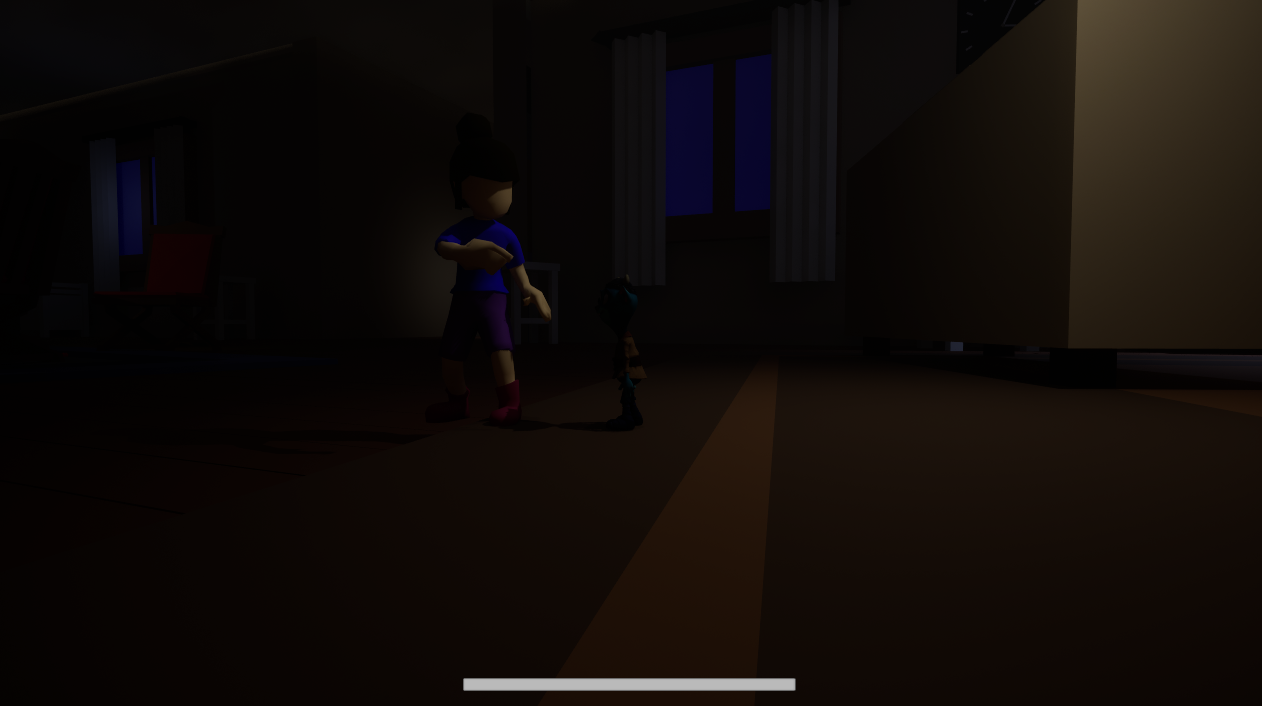
NYCTO is a first-person 3D psychological horror and puzzle-adventure escape game developed in Unreal Engine 5.5 using C++, DirectX 12, and Lumen dynamic lighting. The player controls a young child navigating a darkened, nightmarish environment, accompanied by a throwable plush toy companion.
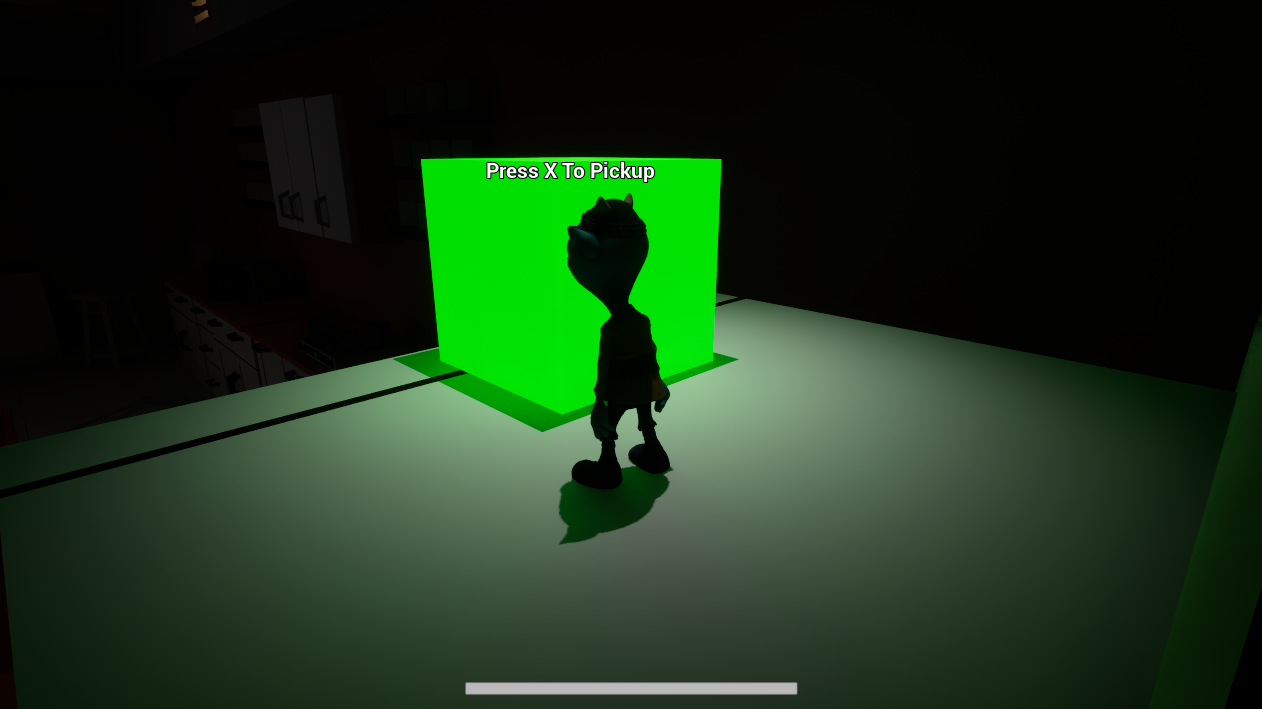
The core gameplay loop blends escape-room puzzle solving with stealth survival: the player explores rooms and corridors, carries key puzzle props (geometric shape blocks, alphabet cubes) in a single-slot hand inventory, sockets items into pedestal altars, pushes heavy chairs and toy boxes to reach high switches or unblock doors.
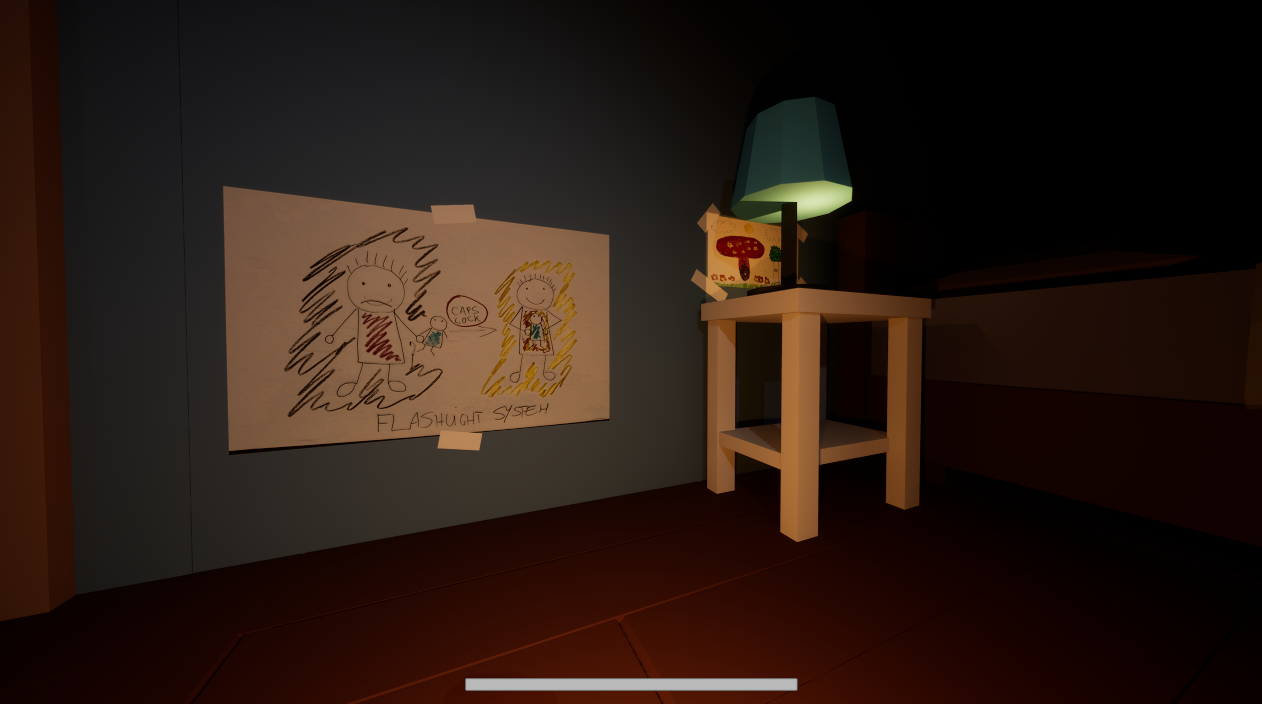
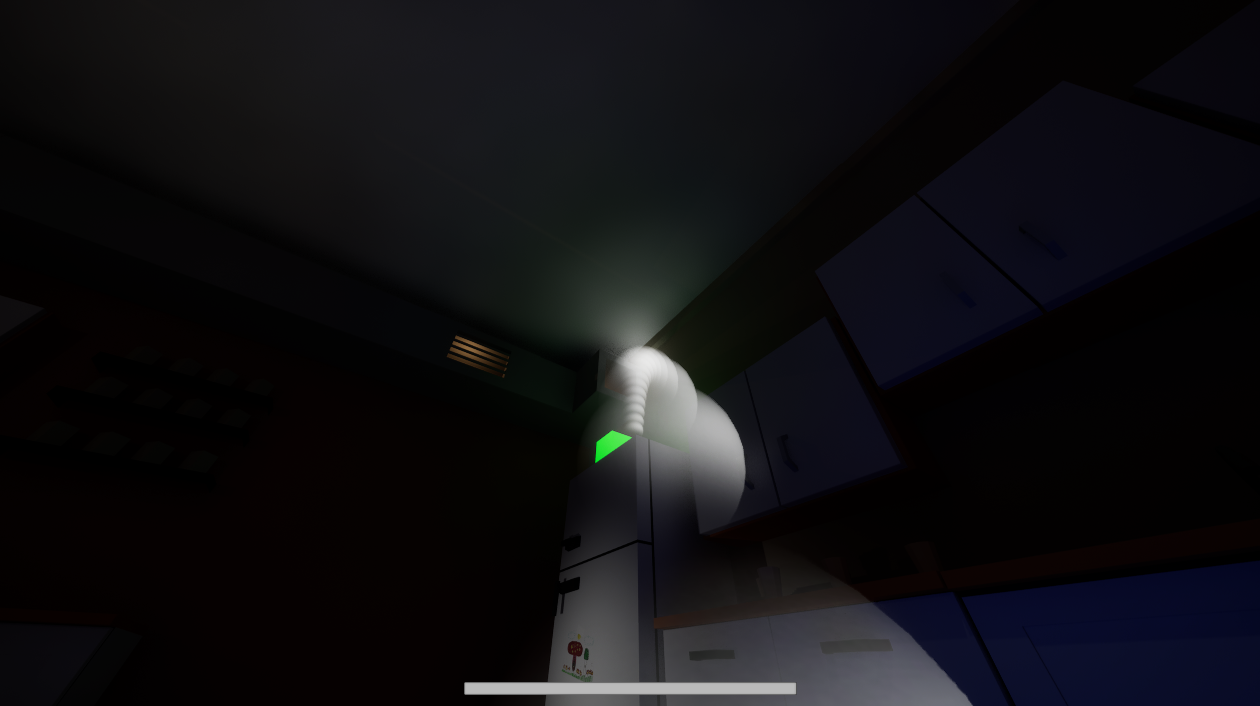
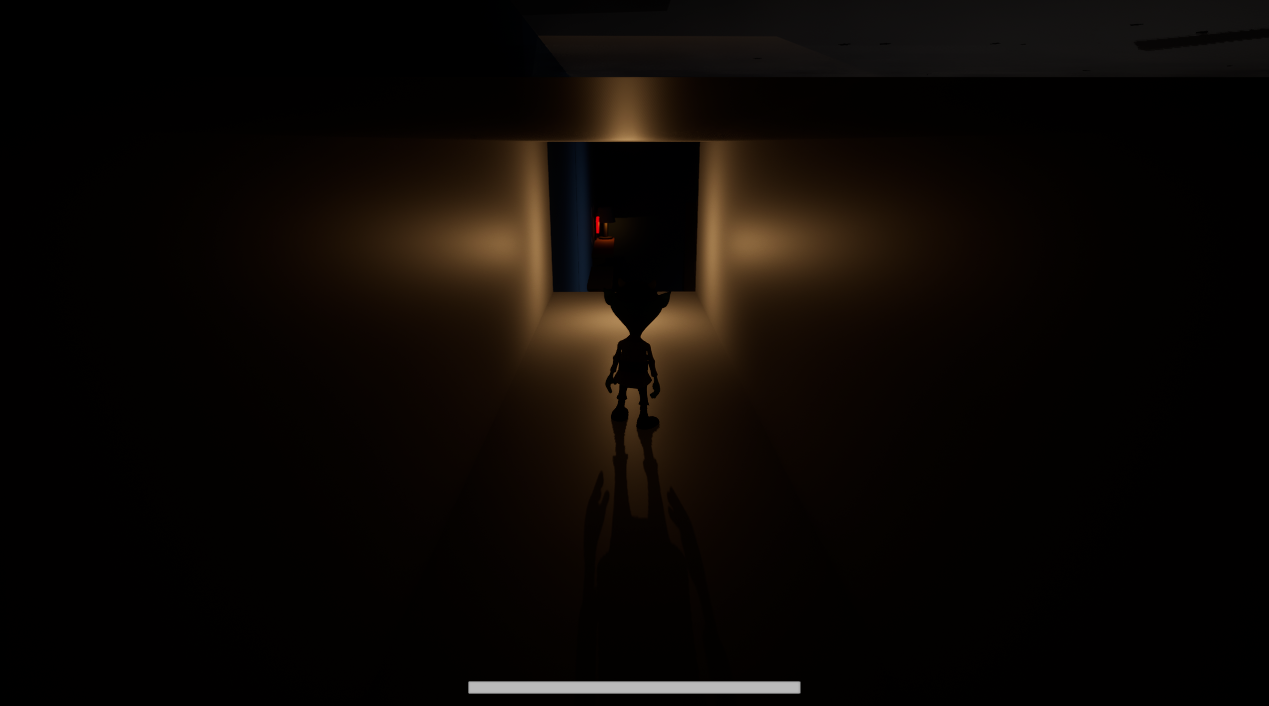
Navigating the world requires dynamic risk management: turning on light fixtures allows visibility and puzzle inspection, but the AI Director tracks newly switched-on lights and corridor movement to calculate player risk awareness, actively dispatching a stalking monster to patrol those coordinates. As the monster stalks the corridors, it automatically extinguishes nearby lights. Survival depends on managing proximity and line-of-sight to the monster: being spotted causes panic to surge, slowing the child's movement and distorting vision until maximum panic triggers a Game Over. Players must exploit safe zones to break pursuit and throw their companion plush into tight ducts or high platforms, temporarily possessing it from a third-person perspective to trigger remote switches and solve environmental puzzles to reach the exit.
What I did
As Core Gameplay and Tools Programmer in a 6-person multidisciplinary team, I architected and implemented the core C++ gameplay frameworks and custom editor validation tooling.
I engineered the dual-character locomotion and companion plush throwing/possession mechanics, enabling ballistic throws with trajectory prediction and smooth camera-blended mind transfers into the companion pawn. I built the interface-driven object interaction framework (IInteractableInterface, UInteractionComponent) and physics-based pushable furniture dragging with surface ground tracing and dynamic navmesh updates.
I architected the generalized proximity and line-of-sight panic subsystem (UPanicEmitterComponent, UPanicReceiverComponent, UPanicSystemManager), eliminating per-actor ticking through centralized subsystem throttling. Additionally, I implemented single-slot held item attachment, placeable areas for depositing and retrieving pickupable items, decoupled multicast light switches, and created custom Unreal Editor tooling (HOEREditor module with UHOEREdEngine pre-save data validators) to enforce architectural constraints across the design team.
Team project · Gameplay & Tools Programmer
Features I implemented
Proximity & Line-of-Sight Panic System
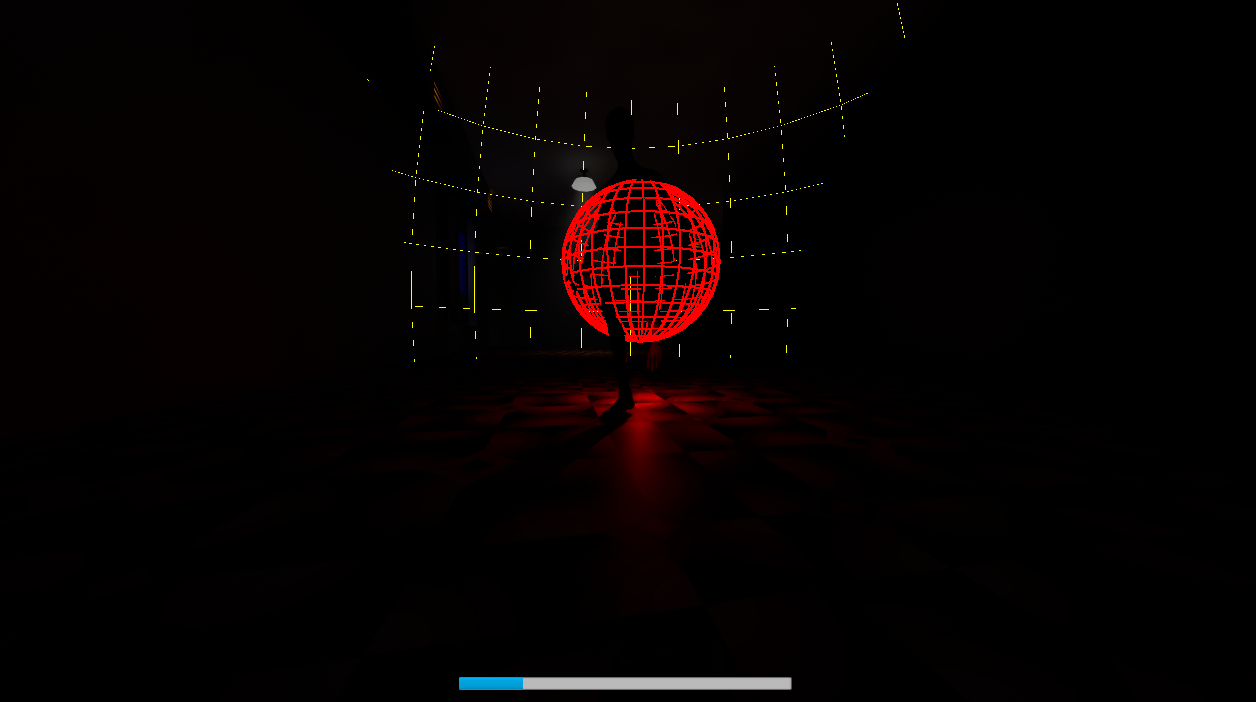
I architected a modular, data-driven panic framework operating on decoupled emitter (UPanicEmitterComponent) and receiver (UPanicReceiverComponent) components orchestrated centrally by an Unreal World Subsystem (UPanicSystemManager). Rather than being restricted to the player and monster AI, the architecture is fully generalized: any world threat or hazard can act as an emitter radiating panic, and any actor can register as a receiver.
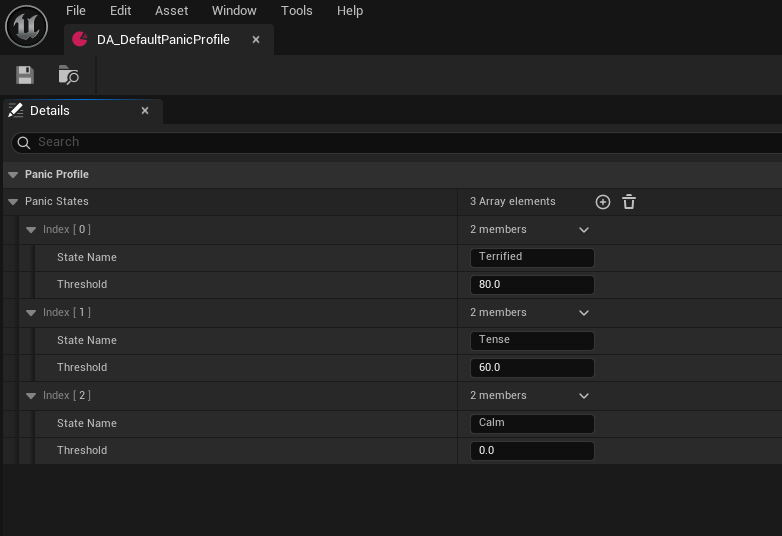
The centralized subsystem eliminates per-actor ticking by periodically evaluating spatial distances, curve falloffs, line-of-sight raycasts, and field-of-view cones across all active emitters and receivers simultaneously on a throttled timer (0.01s interval). This drives tiered state transitions defined in a UPanicProfileDataAsset, gradual decay when hidden, instant game over at point-blank range, dynamic movement speed penalties, and post-process vignette distortion.
- UPanicSystemManager: Centralized World Subsystem managing spatial evaluation queues without per-actor tick costs.
- UPanicEmitterComponent: Threat rating scalar, point-blank minimum distance, out-of-sight maximum distance, and distance falloff curves.
- UPanicReceiverComponent: Raycast line-of-sight validation from eye socket, view cone angle checks, calm decay rates, and threshold delegates.
- UPanicProfileDataAsset: Designer-configurable thresholds driving movement speed degradation and visual vignette noise.
void UPanicSystemManager::ProcessPanicState()
{
    const UPanicSystemSettings* Settings = GetDefault<UPanicSystemSettings>();
    const float DeltaTime = Settings ? Settings->UpdateInterval : 1.0f;

    for (UPanicReceiverComponent* Receiver : ActiveReceivers)
    {
        if (!IsValid(Receiver))
        {
            continue;
        };

        const AActor* ReceiverActor = Receiver->GetOwner();
        if (!ReceiverActor)
        {
            continue;
        };

        float FramePanicAccumulation = 0.f;
        bool bInstantMaxPanic = false;

        for (const UPanicEmitterComponent* Emitter : ActiveEmitters)
        {
            if (!IsValid(Emitter))
            {
                continue;
            };

            const AActor* EmitterActor = Emitter->GetOwner();
            if (!EmitterActor)
            {
                continue;
            };

            const float Distance = ReceiverActor->GetDistanceTo(EmitterActor);
            const float MinDistance = Emitter->GetMinDistance() * 100.f;
            const float MaxDistance = Emitter->GetOutOfSightDistance() * 100.f;

            // Enter panic ONLY if in range AND I can see it
            if (Distance <= MaxDistance && Receiver->CanSeeActor(EmitterActor))
            {
                float PanicMultiplier = 0.f;

                if (CVarDebugPanic.GetValueOnGameThread() > 0)
                {
                    // Draw Red sphere for MinDistance (Point blank)
                    DrawDebugSphere(GetWorld(), EmitterActor->GetActorLocation(), MinDistance, 32, FColor::Red, false, DeltaTime * 1.5f, 0, 2.0f);
                    // Draw Yellow sphere for OutOfSightDistance (Max range)
                    DrawDebugSphere(GetWorld(), EmitterActor->GetActorLocation(), MaxDistance, 32, FColor::Yellow, false, DeltaTime * 1.5f, 0, 1.0f);
                }

                if (Distance <= MinDistance) {
                    bInstantMaxPanic = true;
                    break;
                } else if (MaxDistance > MinDistance) {
                    const float NormalizedDistance = FMath::Clamp((Distance - MinDistance) / (MaxDistance - MinDistance), 0.0f, 1.0f);
                    PanicMultiplier = 1.0f - NormalizedDistance;
                    if (const UCurveFloat* FalloffCurve = Emitter->GetFalloffCurve()) {
                        PanicMultiplier = FalloffCurve->GetFloatValue(NormalizedDistance);
                    }
                }

                // Add this enemy's threat to the total accumulation
                FramePanicAccumulation += Emitter->GetBaseThreat() * PanicMultiplier;
            }
        }

        float CurrentPanic = Receiver->GetCurrentPanicLevel();

        if (bInstantMaxPanic)
        {
            CurrentPanic = Receiver->GetMaxPanicLevel();
        }
        else
        {
            // Accumulation and Decay fight each other.
            // Close = Accumulation is stronger (Panic goes UP)
            // Far away = Decay is stronger (Panic goes DOWN, even if still in sight!)
            const float NetPanicChange = FramePanicAccumulation - Receiver->GetDecayRate();
            CurrentPanic += NetPanicChange * DeltaTime;
        }

        CurrentPanic = FMath::Clamp(CurrentPanic, 0.f, Receiver->GetMaxPanicLevel());
        Receiver->SetCurrentPanicLevel(CurrentPanic);
    }
}Object Interaction Framework
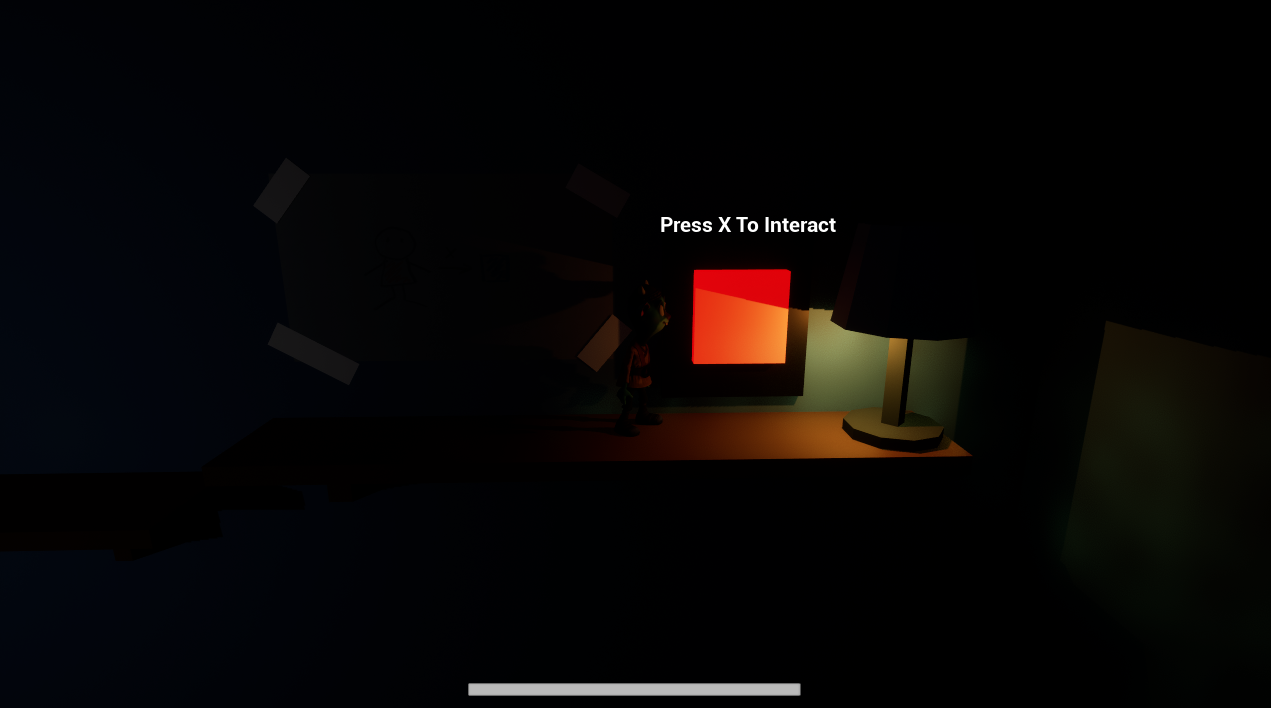
I built an interface-driven interaction architecture (IInteractableInterface) that completely decouples the player character from world props. Both the child character and companion pawn perform interactions through UInteractionComponent.
The component executes context-sensitive forward line traces, detects interactable objects, displays dynamic on-screen prompt widgets with contextual key bindings, and enforces interaction rules, such as preventing players from pushing heavy furniture while carrying a held item. Centralized debug diagnostics are managed via UInteractableDebugSubsystem.
bool UInteractionComponent::PerformInteraction()
{
	AActor* Owner = GetOwner();
	if (!Owner)
	{
		return false;
	}

	if (!HeldItemComponent)
	{
		HeldItemComponent = Owner->FindComponentByClass<UHeldItem>();
	}

	const bool bIsHoldingItem = HeldItemComponent && HeldItemComponent->IsHolding();
	AActor* ClosestInteractable = FindBestInteractable();
	CurrentInteractable = ClosestInteractable;

	if (ClosestInteractable)
	{
		// Cannot push heavy objects while holding an item in hand
		if (bIsHoldingItem && ClosestInteractable->IsA(APushableObject::StaticClass()))
		{
			return false;
		}

		OnInteractionAttempted.Broadcast(ClosestInteractable);

		const bool bSuccess = IInteractableInterface::Execute_Interact(ClosestInteractable, Owner);
		if (bSuccess)
		{
			OnInteractionSuccess.Broadcast(ClosestInteractable);
		}
		else
		{
			OnInteractionFailed.Broadcast(ClosestInteractable);
		}

		return bSuccess;
	}
	else if (bIsHoldingItem && bDropHeldItemIfNoInteractable)
	{
		HeldItemComponent->DropItem();
		OnHeldItemDropped.Broadcast();
		return true;
	}

	return false;
}Heavy Pushable Objects & Grabbing Architecture
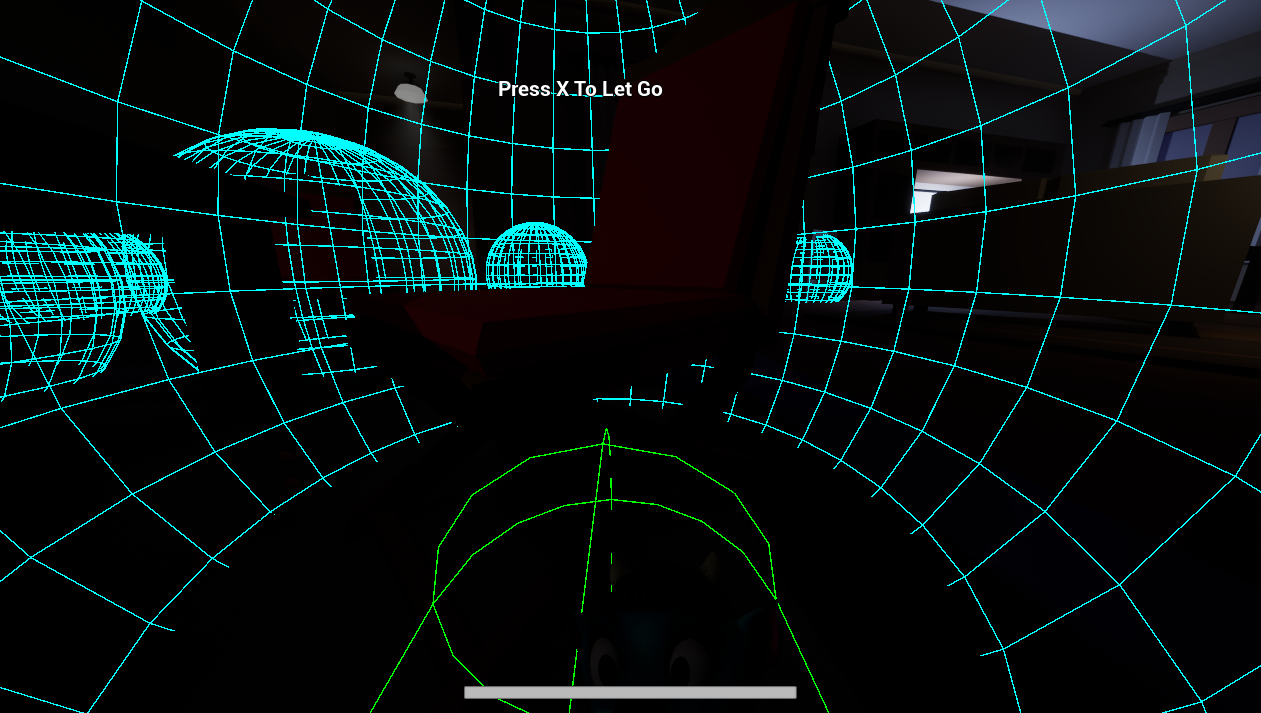
I engineered physics-based furniture dragging and pushing (APushableObject, UGrabAbilityComponent), enabling players to reposition heavy wooden chairs, desks, and toy chests to reach high switches or block corridor paths.
Grabbing mechanics are encapsulated into UGrabAbilityComponent on the player character, providing dynamic multicast delegates (OnObjectGrabbed, OnObjectReleased). While pushed, the object executes continuous downward line traces to match uneven floor surfaces and dynamically updates Unreal's navigation mesh to inform the AI Director of new corridor blockages.
bool UGrabAbilityComponent::Grab(APushableObject* InObjectToGrab)
{
	if (!IsValid(InObjectToGrab))
	{
		return false;
	}

	if (GrabbedObject == InObjectToGrab)
	{
		return true;
	}

	if (IsValid(GrabbedObject))
	{
		ReleaseGrab();
	}

	GrabbedObject = InObjectToGrab;

	if (OnObjectGrabbed.IsBound())
	{
		OnObjectGrabbed.Broadcast(InObjectToGrab);
	}

	return true;
}

void UGrabAbilityComponent::ReleaseGrab()
{
	if (!GrabbedObject)
	{
		return;
	}

	APushableObject* ObjectToRelease = GrabbedObject;
	GrabbedObject = nullptr;

	if (IsValid(ObjectToRelease))
	{
		ObjectToRelease->StopPushing();
	}

	if (OnObjectReleased.IsBound())
	{
		OnObjectReleased.Broadcast(ObjectToRelease);
	}
}Dual-Character Locomotion & Companion Plush System
I implemented dual-pawn control mechanics allowing the child player to ballistically throw their companion plush toy and dynamically possess it. When aiming, the system calculates trajectory arc predictions with collision raycasts.
Upon landing, the player can trigger consciousness transfer: the camera smoothly blends into a third-person view over the companion pawn (ACompanionCharacter). In this state, the player navigates through narrow ventilation shafts and crawls under collapsed furniture to reach remote switches inaccessible to the main character.
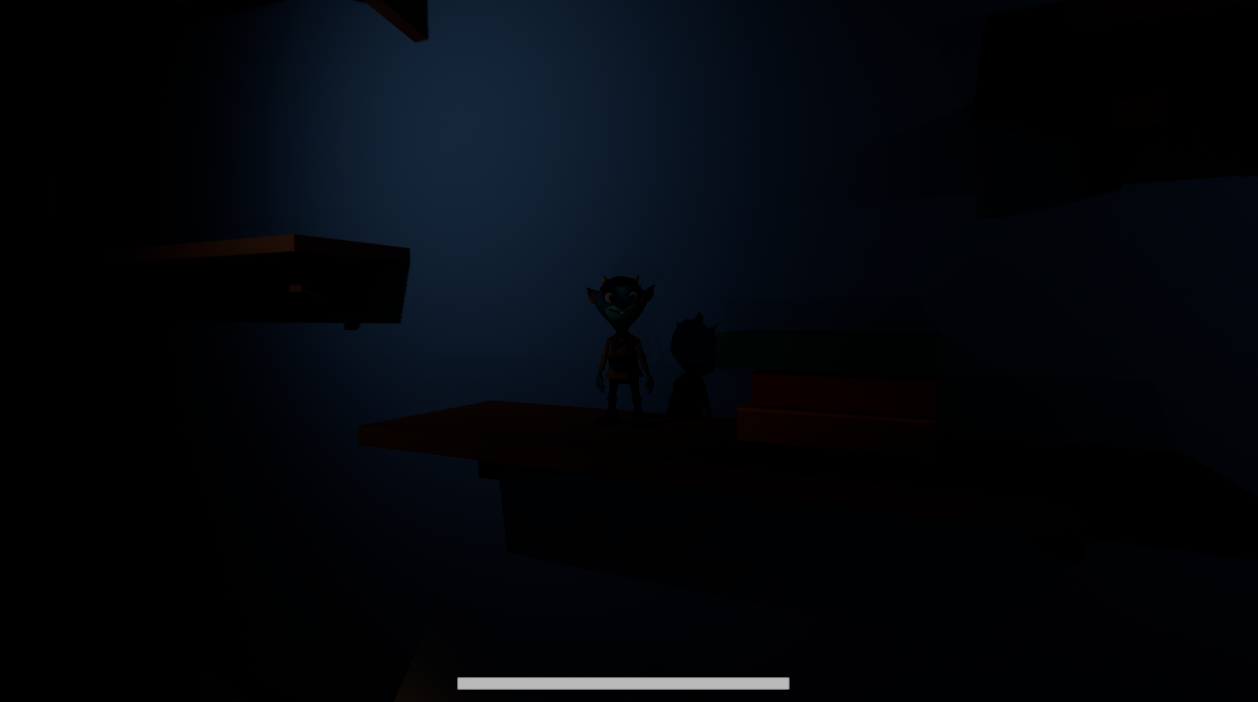
- Ballistic Trajectory Prediction: Simulates projectile velocity, gravity, and surface bounce damping.
- Smooth Viewport Blending: Uses SetViewTargetWithBlend to transition between first-person child and third-person plush perspectives.
- Remote Interaction: Enables the plush pawn to depress pressure plates and trigger switches inside restricted crawlspaces.
Pickupable Objects & Held Item Slot
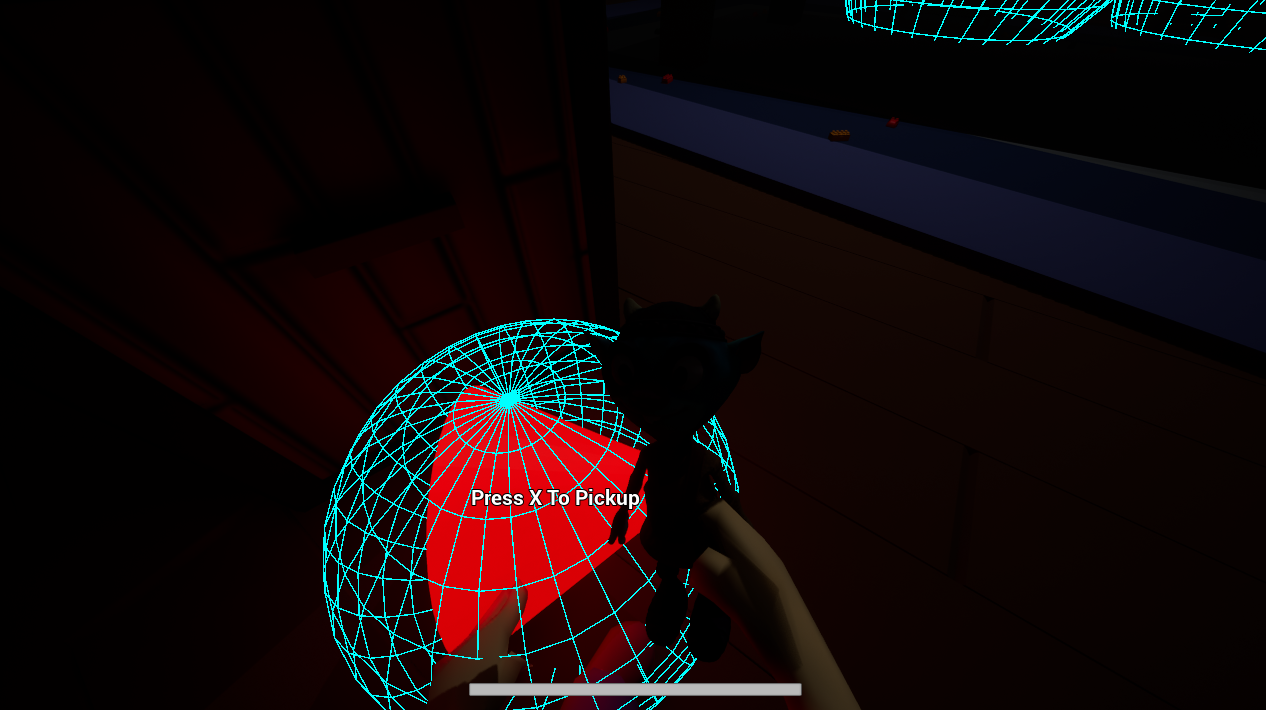
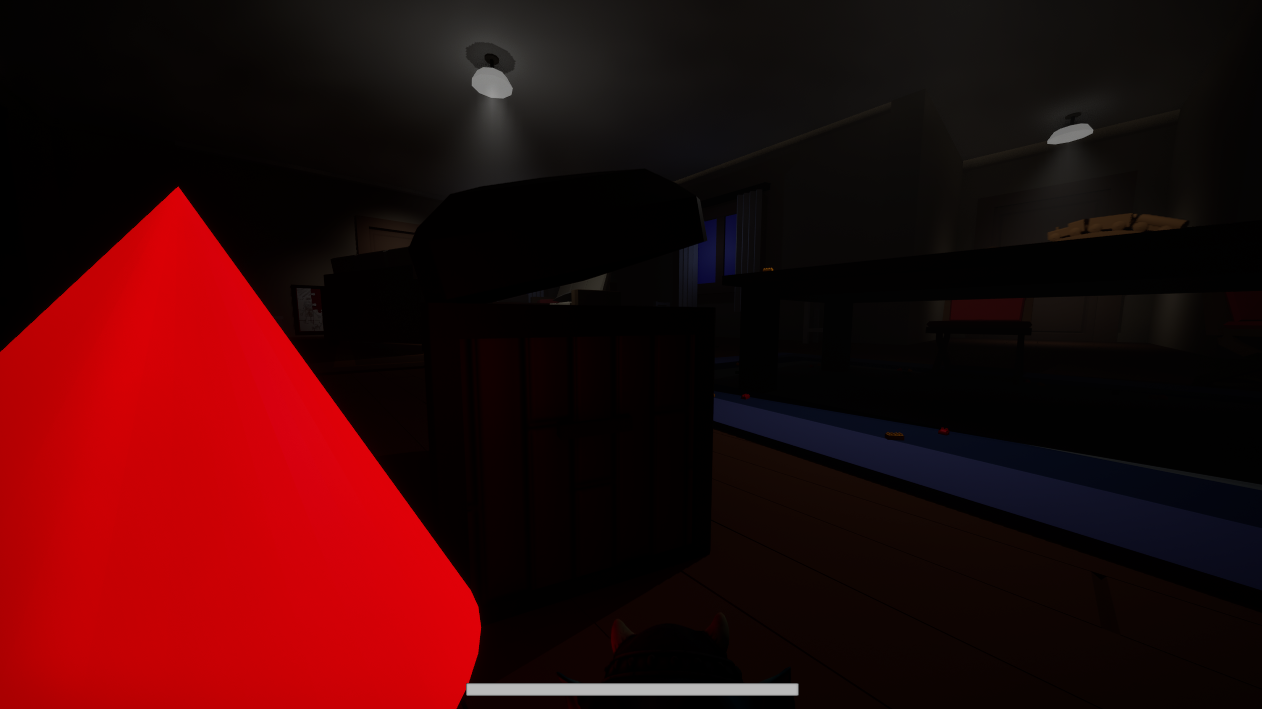
I created a dedicated single-slot held item framework (APickupableObject, UHeldItem) that attaches key puzzle items (geometric shape blocks, alphabet cubes, keys) directly to the player's first-person viewmodel socket.
The component manages physical drop impulses, ensures correct attachment orientation, suppresses conflicting interactions (such as furniture pushing), and exposes query interfaces for puzzle triggers.
Placeable Areas & Pickupable Interaction
I engineered the Placeable Area actor (APlaceableArea, subclassing AInteractableObject and implementing IUnlockableInterface) to provide a robust bidirectional item depositing and retrieval system for world props.
When an interactor interacts with a placeable area, the system queries their UHeldItem component. If the area is currently empty and the player is holding an item whose class derives from the accepted type, the held viewmodel item is consumed, the placed static mesh is revealed, unlock state is updated, and OnItemPlaced delegates are broadcast. Conversely, if an item is already placed and the player's hands are empty, interacting retrieves the object back into the player's hand inventory, hides the mesh, locks the state, and fires OnItemRemoved.
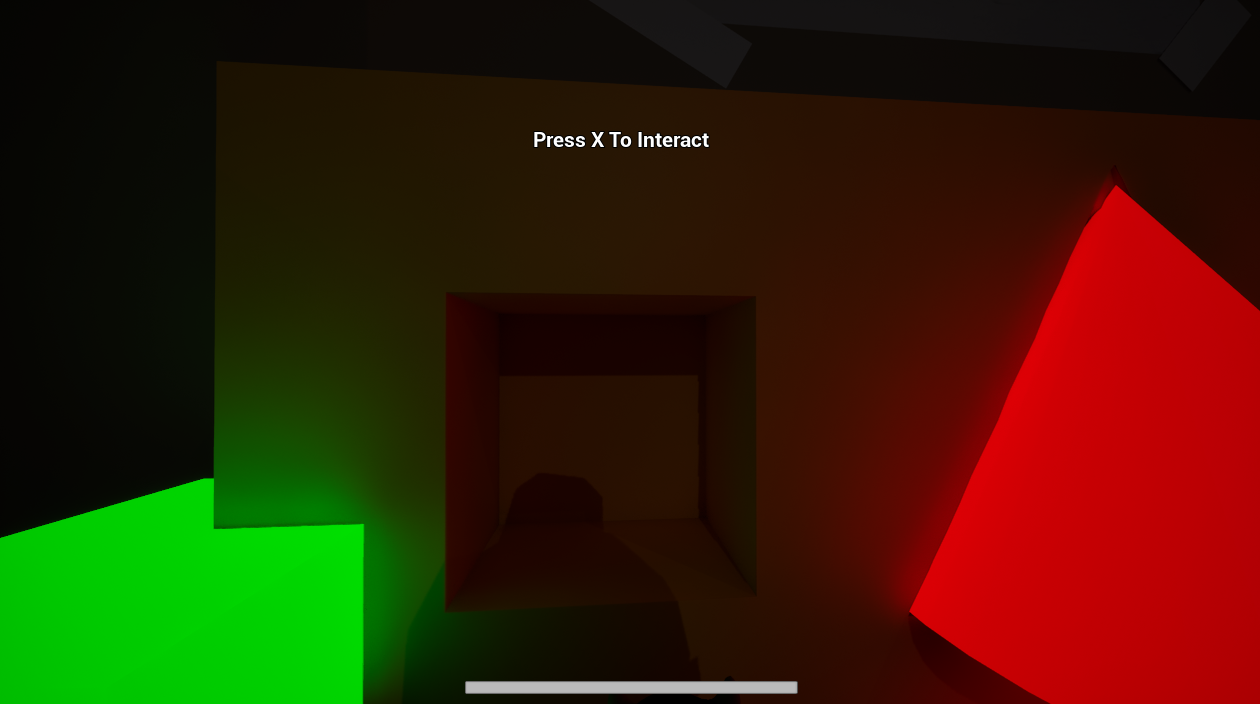
- Class-Filter Validation: Strict type checking using IsChildOf(PickupableObject) to ensure only valid items can be deposited.
- Hand Occupancy Gating: Blocks item retrieval if the player is already carrying another item in hand.
- State & Event Broadcasting: Updates IUnlockableInterface status and broadcasts FOnItemPlaced and FOnItemRemoved dynamic multicast delegates for downstream gameplay logic.
bool APlaceableArea::Interact(AActor* Interactor)
{
	if (bIsInteractable && Interactor && StaticMesh)
	{
		UHeldItem* HeldItemComponent = Interactor->FindComponentByClass<UHeldItem>();
		if (!HeldItemComponent)
		{
			return false;
		}

		if (StaticMesh->IsVisible())
		{
			if (HeldItemComponent->IsHolding())
			{
				return false;
			}
			HeldItemComponent->PickItem(PickupableObject, StaticMesh->GetStaticMesh());
			HideMesh();
			EmitItemRemovedEvent(Interactor);
			return true;
		} else
		{
			// Check if the classes match (HeldItemClass is null when the player's hands are empty)
			const TSubclassOf<APickupableObject> HeldClass = HeldItemComponent->GetHeldItemClass();
			if (PickupableObject && HeldItemComponent->IsHolding() && HeldClass && HeldClass->IsChildOf(PickupableObject))
			{
				HeldItemComponent->DestroyItem();
				ShowMesh();
				EmitItemPlacedEvent(Interactor);
				return true;
			}
		}

	}

	return false;
}Decoupled Light Switch & Dynamic Illumination
I developed event-driven light switch actors (AInteractableLightSwitch, ALightActor) that control local ALightActor lighting networks through ILightInterface without hard actor references.
Editor Tooling, Validation & Diagnostics
To guarantee architectural discipline across a multidisciplinary team, I enhanced the custom HOEREditor module. By overriding CanSavePackage in UHOEREdEngine, the editor intercepts level saves and asset modifications, invoking custom validators.
For example, Validator_LevelLights automatically scans World Partition external actors and legacy .umap levels during save, blocking designers from committing standard engine ALight fixtures that would bypass the light manager and AI awareness. I also implemented custom console commands (HOER.DebugPanic, HOER.DebugInteractables) for runtime visualization of threat radiuses and raycast hits.
EDataValidationResult UValidator_LevelLights::ValidateLoadedAsset_Implementation(const FAssetData& InAssetData,
	UObject* InAsset, FDataValidationContext& Context)
{
	EDataValidationResult Result = EDataValidationResult::Valid;

	auto ValidateSingleLight = [&](const ALight* Light)
	{
		if (IsValid(Light) && !Light->IsA<ALightActor>() && !Light->IsA<ADirectionalLight>())
		{
			const TSharedRef<FTokenizedMessage> ErrorMsg = Context.AddMessage(EMessageSeverity::Error);
			ErrorMsg->AddToken(FUObjectToken::Create(Light))
					->AddToken(FTextToken::Create(FText::Format(
						NSLOCTEXT("LightValidation", "ForbiddenLightError",
							"({0}) is a standard Engine Light. Designers must use LightActor instead."),
						FText::FromString(Light->GetClass()->GetName()))));

			Result = EDataValidationResult::Invalid;
		}
	};

	// Case 1: World Partition External Actor save
	if (const ALight* SavedLight = Cast<ALight>(InAsset))
	{
		ValidateSingleLight(SavedLight);
	}

	// Case 2: Traditional Level (.umap) save
	if (const UWorld* World = Cast<UWorld>(InAsset))
	{
		// AllActors: the default OnlyActiveLevels skips invisible levels, i.e. every level of a map that isn't open in the editor
		for (TActorIterator<ALight> It(World, ALight::StaticClass(), EActorIteratorFlags::AllActors | EActorIteratorFlags::SkipPendingKill); It; ++It)
		{
			ValidateSingleLight(*It);
		}
	}

	if (Result == EDataValidationResult::Valid)
	{
		AssetPasses(InAsset);
	}

	return Result;
}Gallery
Like what you see?
Get in touch to talk about how it was built.