Shrunk Paws
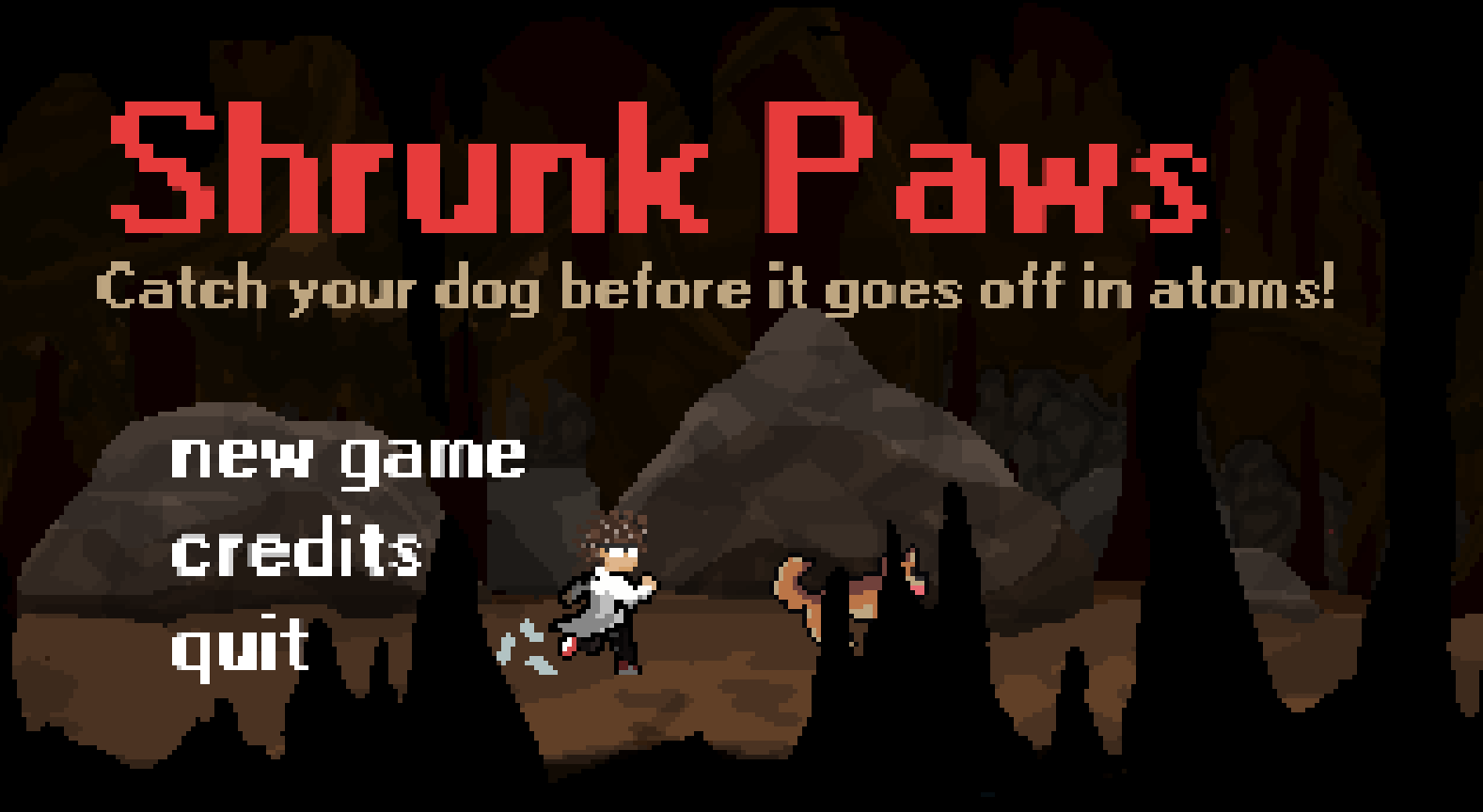
A one-week jam precision platformer: chase your shrinking dog through a giant laboratory before it vanishes below atomic scale.
features.idx (7 features)
- overview
- what_i_did
- features/
- 01Multi-Layer Clamped Parallax Engine
- 02Precision Speedrun Timer System
- 03Menu Flow & Scene Transition Architecture
- 04Custom Unity Editor Tooling
- 05Kinematic Platformer Controller & Movement Tuning
- 06Reactive Physics Hazards & Traps
- 072D Pixel Art & Environment Design
- gallery/
Project overview
Shrunk Paws is a fast-paced 2D precision platformer and companion chase speedrunner created in Unity 6 for Platformer Jam #2. When a brilliant scientist's experimental shrinking potion is accidentally ingested by his playful dog, the panicked pet shrinks and sprints away into the laboratory.
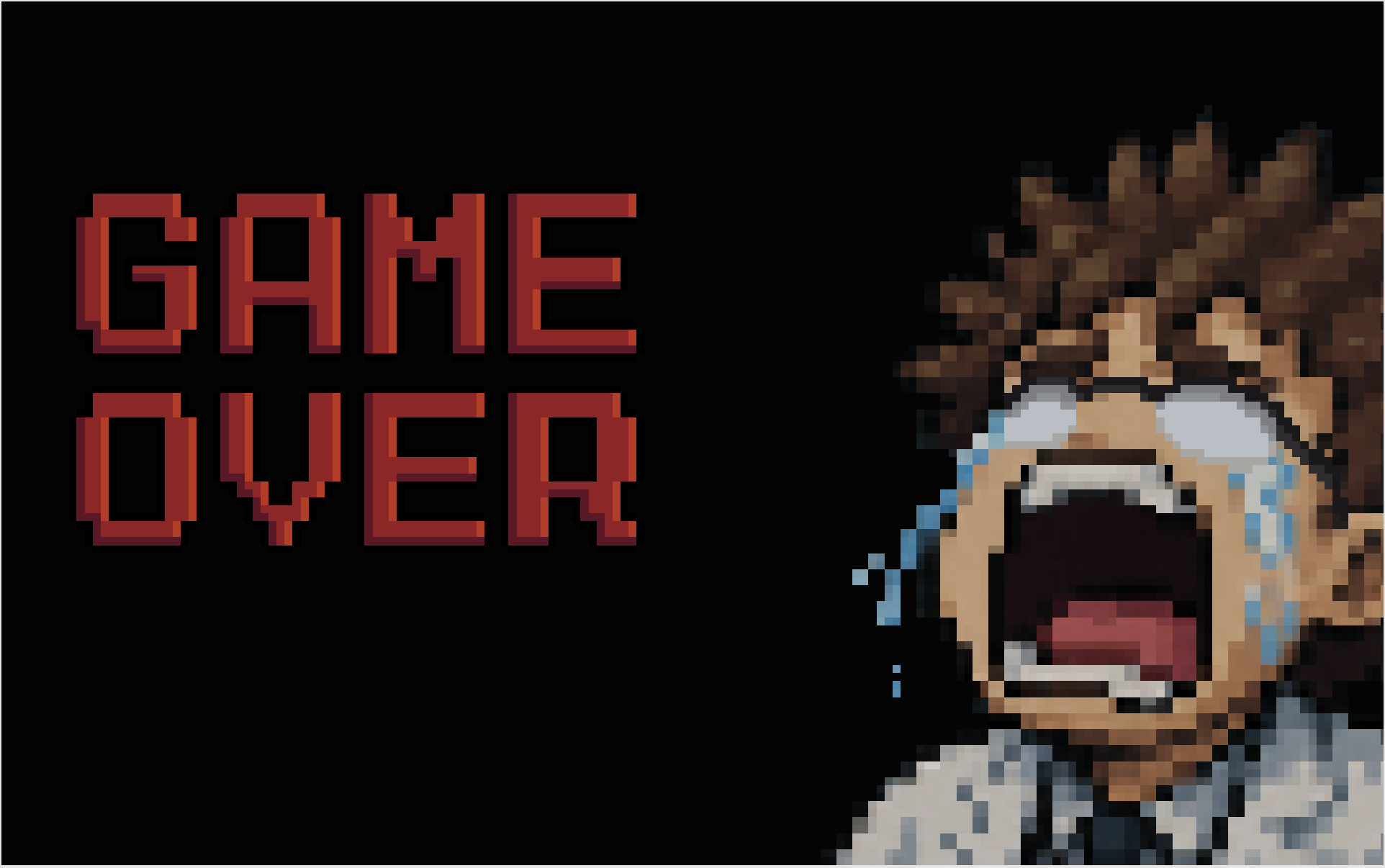
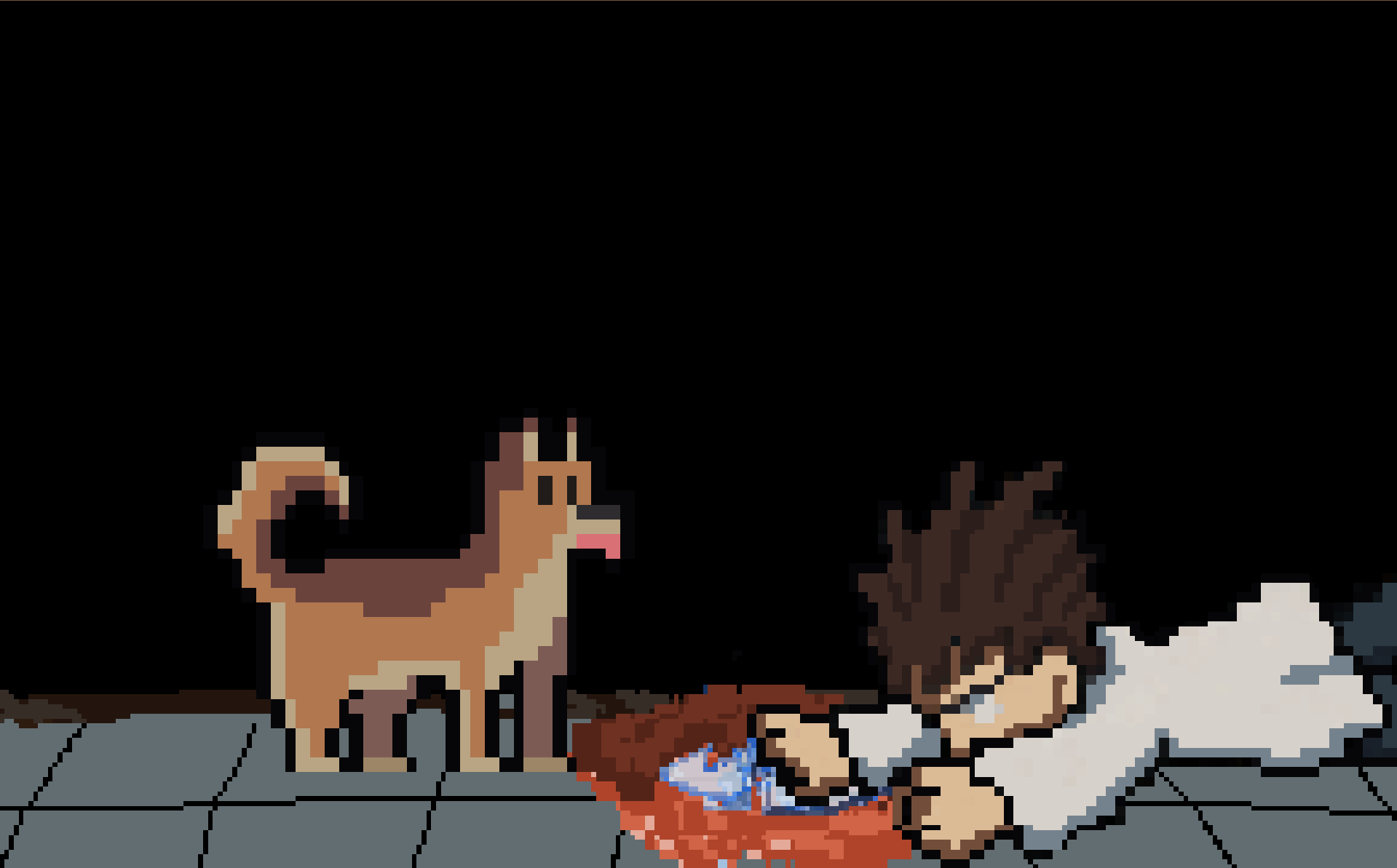
To save his companion, the scientist consumes the potion and embarks on a frantic chase across a world where everyday lab equipment has become giant and deadly. Players must sprint, double-jump, wall-slide, and air-dash across rapidly shifting scales of reality, avoiding falling hazards and maintaining pace with the autonomous dog. If the dog stays off-screen for more than 10 seconds, it shrinks so much that it becomes smaller than atoms and dies, losing the chase forever.
Built under tight one-week jam constraints, the project achieved a polished, highly responsive gameplay feel supported by speedrun timing tools, multi-layered parallax depth, and handcrafted retro pixel art.
What I did
As Gameplay Programmer, Pixel Art Artist, and Co-Game Designer in a 6-person team, I contributed extensively to both technical systems and artistic production during the 1-week game jam.
I engineered the multi-depth mathematical parallax background engine (Parallax.cs, CameraParallax.cs) with clamped depth normalization and seamless infinite wrapping across the macroscopic laboratory stage. I implemented the high-precision millisecond speedrun timer (GameTimer.cs) with monospaced TextMeshPro rendering and PlayerPrefs record persistence.
I architected the UI navigation and scene transition pipeline (MainMenu.cs, PauseMenu.cs, SceneTransition.cs, CreditsUIBuilder.cs), built custom Unity Editor QA tooling (PlayerPrefsResetter.cs), co-engineered the 2D kinematic platformer controller (PlayerController.cs), co-programmed reactive physics hazards (falling potions, toxic gas clouds, rolling test tubes), and authored pixel art sprites, tilesets with autotiling, and animations, full-screen illustration excluded.
Team project · Gameplay Programmer, Pixel Art Artist (also Co-Game Designer)
Features I implemented
Multi-Layer Clamped Parallax Engine
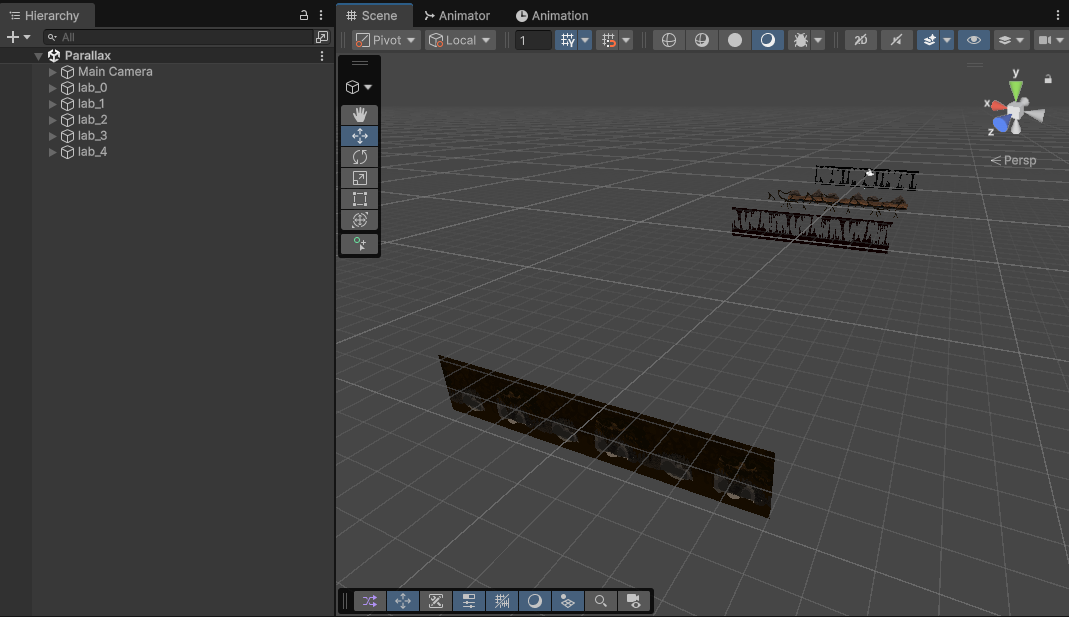
I engineered a mathematical camera-relative parallax scrolling system (Parallax.cs, CameraParallax.cs) that creates convincing 2.5D depth across the game's level.
The system calculates each layer's parallax factor based on its Z-distance relative to the subject and camera planes. Positive Z depths are normalized against the camera far clip plane using Mathf.Clamp01 (preventing distant objects from moving faster than the camera), while negative Z depths generate foreground parallax. Seamless infinite wrapping recalculates start positions as the camera moves past sprite bounds, avoiding visual popping or clipping.
float parallaxEffect
    {
        get
        {
            if (distanceFromSubject > 0)
            {
                // Find the absolute World Z of the far plane
                float farPlaneWorldZ = cam.transform.position.z + cam.farClipPlane;

                // Find the relative distance from the subject to that far plane
                float distanceToFarPlane = farPlaneWorldZ - subject.position.z;

                // Divide and Clamp. (Clamp01 strictly prevents the value from going over 1.0, which stops far objects from moving faster than the camera).
                return distanceToFarPlane > 0 ? Mathf.Clamp01(distanceFromSubject / distanceToFarPlane) : 0;
            }
            else
            {
                // Find the absolute World Z of the near plane
                float nearPlaneWorldZ = cam.transform.position.z + cam.nearClipPlane;

                // Find the relative distance from the near plane to the subject
                float distanceToNearPlane = subject.position.z - nearPlaneWorldZ;

                // Divide. (distanceFromSubject is negative, so this correctly returns a negative parallax effect, making foregrounds zip past the camera).
                return distanceToNearPlane > 0 ? (distanceFromSubject / distanceToNearPlane) : 0;
            }
        }
    }

    private void FixedUpdate()
    {
        // 0 == move with player || 1 == completely stationary background || negative == fast foreground
        float distance = cam.transform.position.x * parallaxEffect;
        float movement = cam.transform.position.x * (1 - parallaxEffect);

        transform.position = new Vector3(startPos + distance, transform.position.y, transform.position.z);

        if (movement > startPos + length)
        {
            startPos += length;
        }
        else if (movement < startPos - length)
        {
            startPos -= length;
        }
    }
}Precision Speedrun Timer System
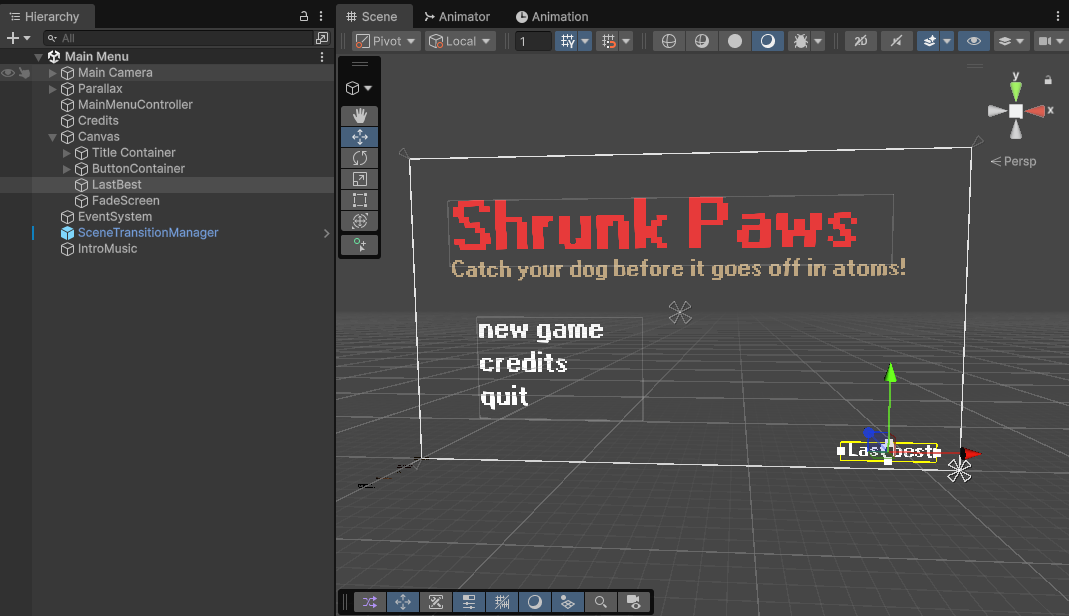
To encourage speedrunning competition in the jam community, I built a high-precision timer (GameTimer.cs) measuring elapsed time down to individual milliseconds.
The timer uses monospaced font spacing in TextMeshPro to prevent horizontal digit jitter during high-frequency frame updates. Personal best run times are tracked and persisted across game sessions via Unity's PlayerPrefs, surfacing on both the HUD and the main menu screen.
private void Update()
    {
        if (!m_running) return;

        m_elapsed += Time.deltaTime;

        if (m_showMilliseconds)
        {
            // If we want milliseconds, we MUST update the UI every frame.
            UpdateLabel();
        }
        else
        {
            int currentSecond = Mathf.FloorToInt(m_elapsed);
            if (currentSecond != m_lastShownSecond)
            {
                m_lastShownSecond = currentSecond;
                UpdateLabel();
            }
        }
}Menu Flow & Scene Transition Architecture
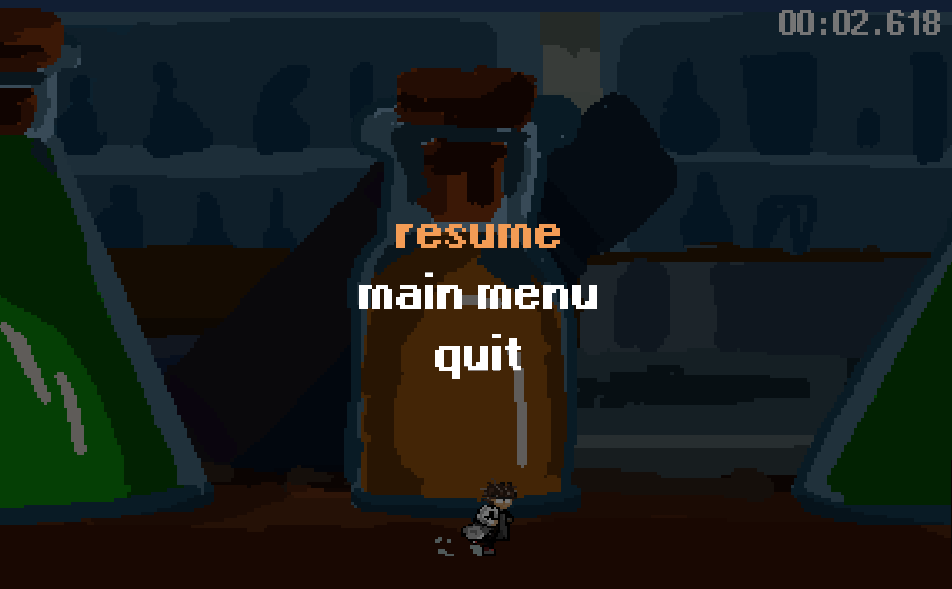
I architected the entire UI navigation and state transition pipeline (MainMenu.cs, PauseMenu.cs, SceneTransition.cs, MainMenuCamera.cs, CreditsUIBuilder.cs).
The system manages smooth camera pans between menu panels, controls in-game pause suspension without corrupting time-scale physics, parses team credits into dynamic UI rows, and coordinates seamless scene cross-fades during game restarts and game-over transitions.
Custom Unity Editor Tooling
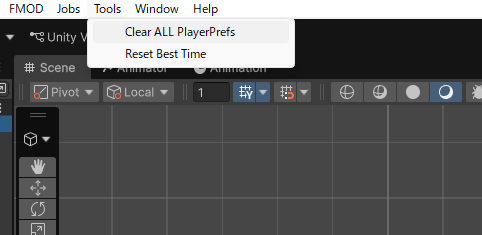
During the intense 7-day jam development cycle, rapid testing of speedrun records and settings was critical. I created custom Unity Editor extensions (PlayerPrefsResetter.cs) adding dedicated menu shortcuts to the editor top bar.
The tool exposed one-click commands (Tools -> Reset Best Time and Tools -> Clear ALL PlayerPrefs), enabling programmers and designers to test first-time user flows and record persistence without manual registry editing.
using UnityEngine;
using UnityEditor;

public class PlayerPrefsResetter
{
    // Creates a button at the very top of your Unity screen: Tools -> Reset Best Time
    [MenuItem("Tools/Reset Best Time")]
    public static void ResetBestTime()
    {
        PlayerPrefs.DeleteKey("BestTime");
        Debug.Log("TESTING: "BestTime" has been deleted from PlayerPrefs!");
    }

    // Creates a second button to wipe EVERYTHING (Last run, best run, volume settings, etc.)
    [MenuItem("Tools/Clear ALL PlayerPrefs")]
    public static void ClearAll()
    {
        PlayerPrefs.DeleteAll();
        Debug.Log("TESTING: ALL PlayerPrefs have been completely wiped!");
    }
}Kinematic Platformer Controller & Movement Tuning
I collaborated on engineering the responsive 2D character controller (PlayerController.cs). Built around Rigidbody2D velocity smoothing, it incorporates key platformer game-feel staples: variable-height jump cuts, wall-sliding with friction speed damping, wall-jumping with collision grace timers, and a zero-gravity air dash coroutine.
I also implemented a status modifier system that handles speed multipliers (e.g. slowing in toxic gas), temporary control inversion, and powerup dash unlocking.
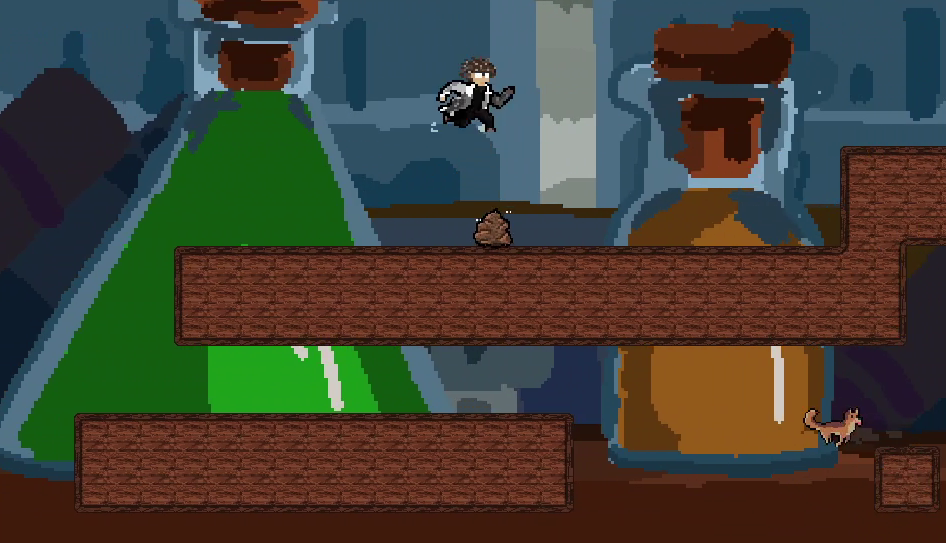
- Variable Jump Cut: Releases upward momentum early when releasing the jump button (jumpCutMultiplier = 0.5f).
- Wall-Slide & Wall-Jump: Applies friction on wall contact and launches diagonal wall-jump impulses.
- Air Dash Coroutine: Freezes gravity temporarily and propels the player forward with invulnerability grace.
- Status Modifiers: Dynamically scales run speed, jump height, and controls when traversing hazards.
Reactive Physics Hazards & Traps
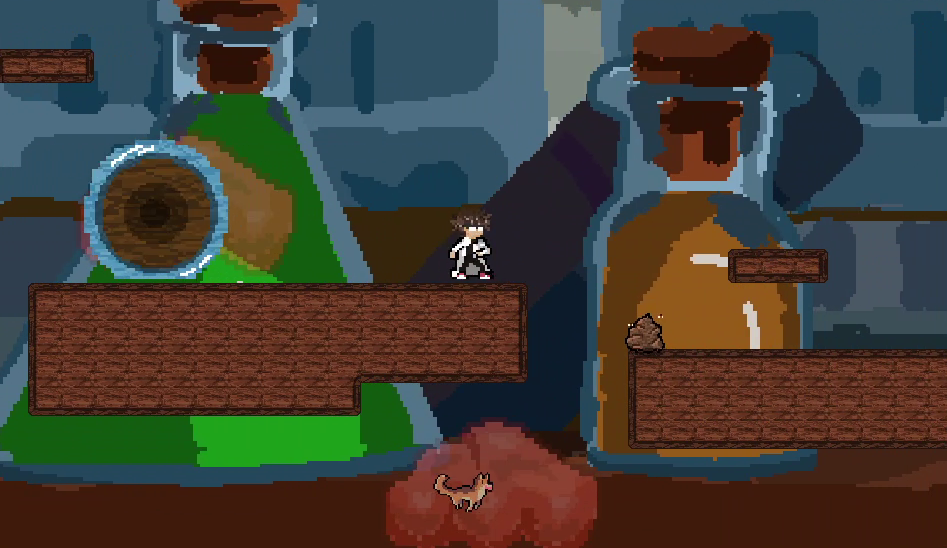
I programmed and tuned interactive environmental hazard behaviors (GasCloud.cs, DogPoop.cs, FallingPotion.cs, RollingSystem.cs).
Hazards react to player and world physics: rolling chemical cylinders roll down slopes with locked rotation physics; proximity-triggered overhead flasks drop and shatter into lingering chemical gas clouds that reduce player movement speed by 50%; and organic slip traps create sudden loss-of-traction hazards.
2D Pixel Art & Environment Design
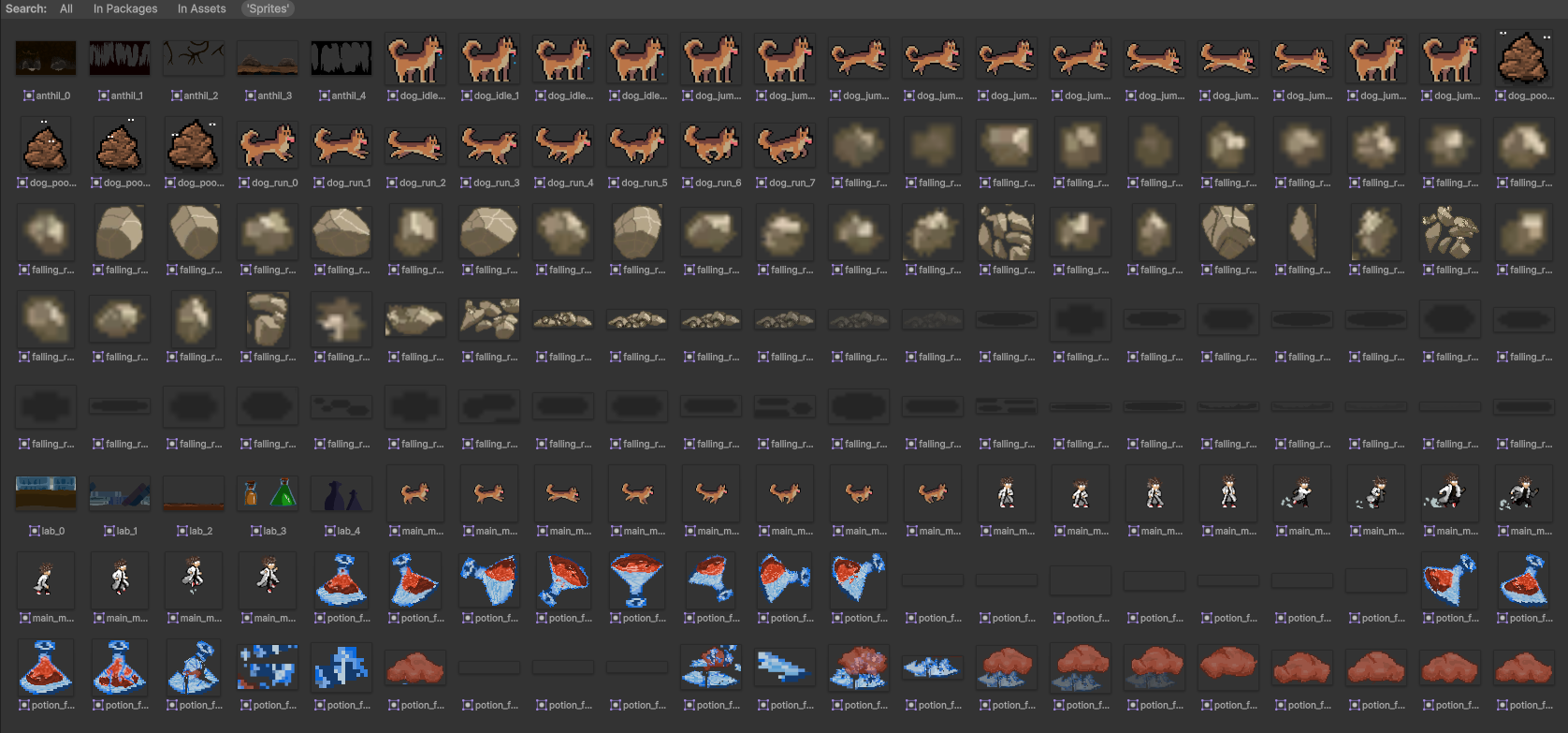
In addition to gameplay programming, I authored pixel art visual assets for Shrunk Paws.
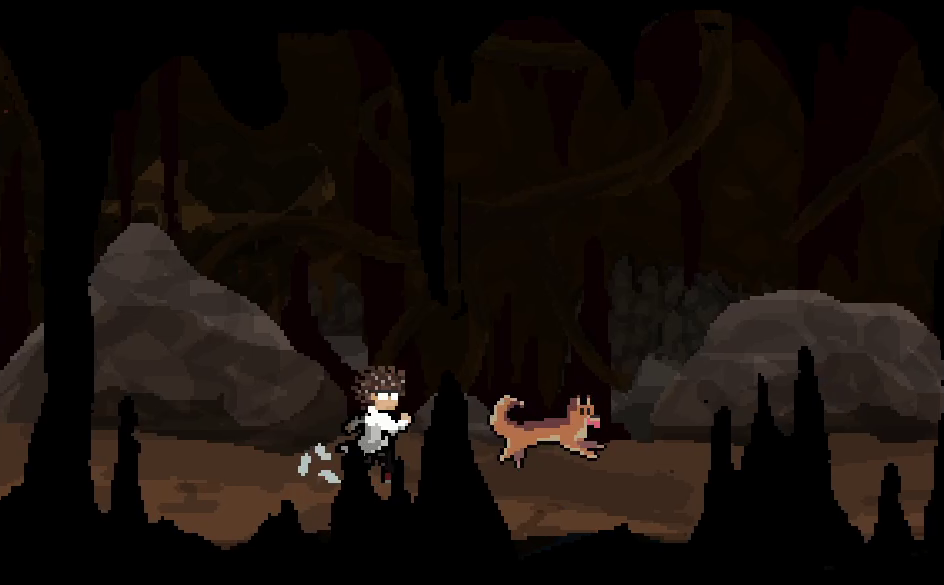
I created the scientist protagonist character sprites and running/jumping animation cycles, modular laboratory tilesets configured with Unity's autotiling rules, obstacle hazard sprites (falling chemical potions, toxic gas clouds, rolling test tubes), and multi-layered parallax background vistas.
Gallery
Like what you see?
Try it yourself, or get in touch to talk about how it was built.